
01 / OrganizeLarge libraries
Large libraries
stay organized.
Sort categories, manage mods in bulk, and keep useful details close at hand.
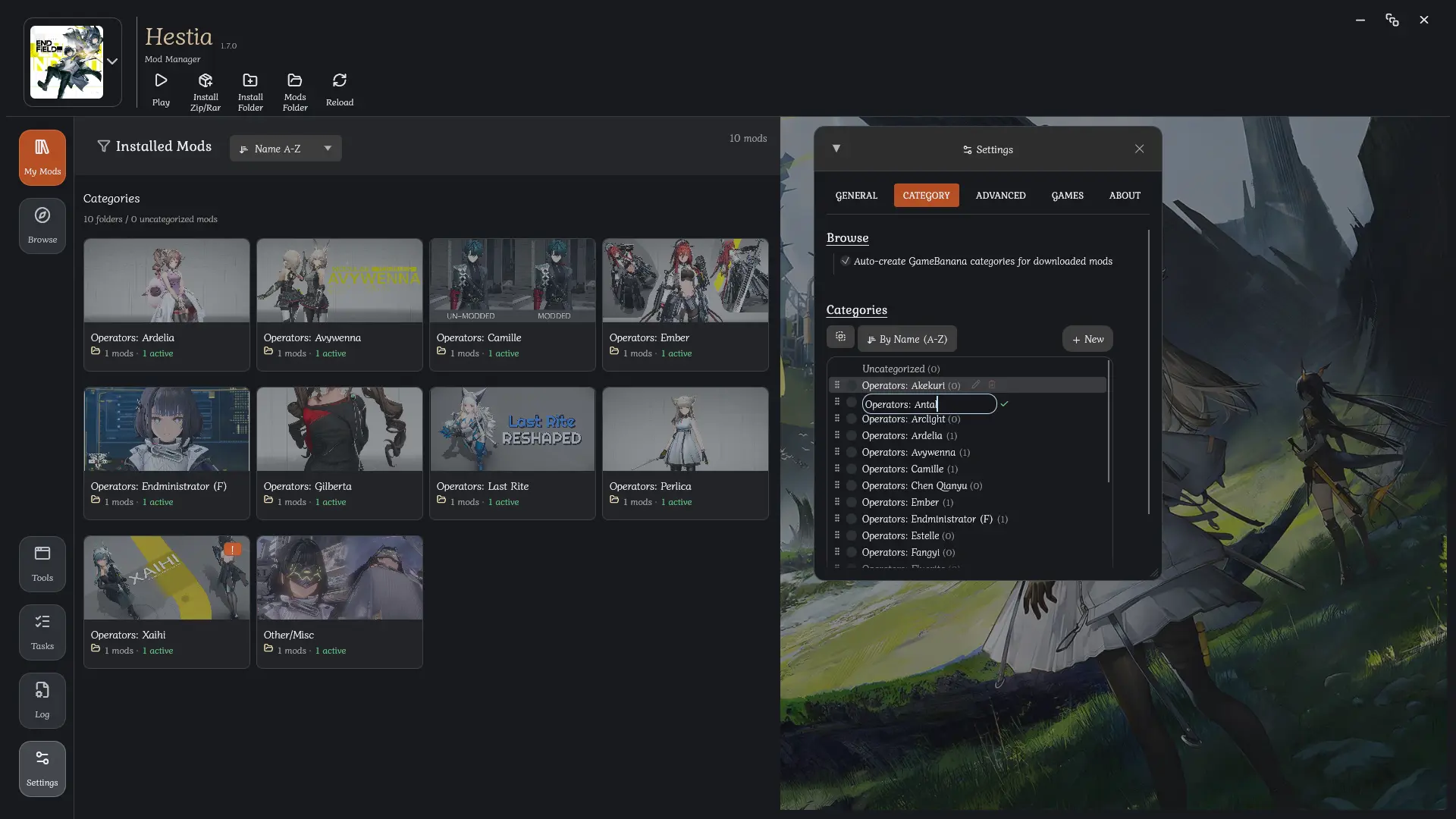
A feature-rich mod manager designed to be exceptionally easy to use.
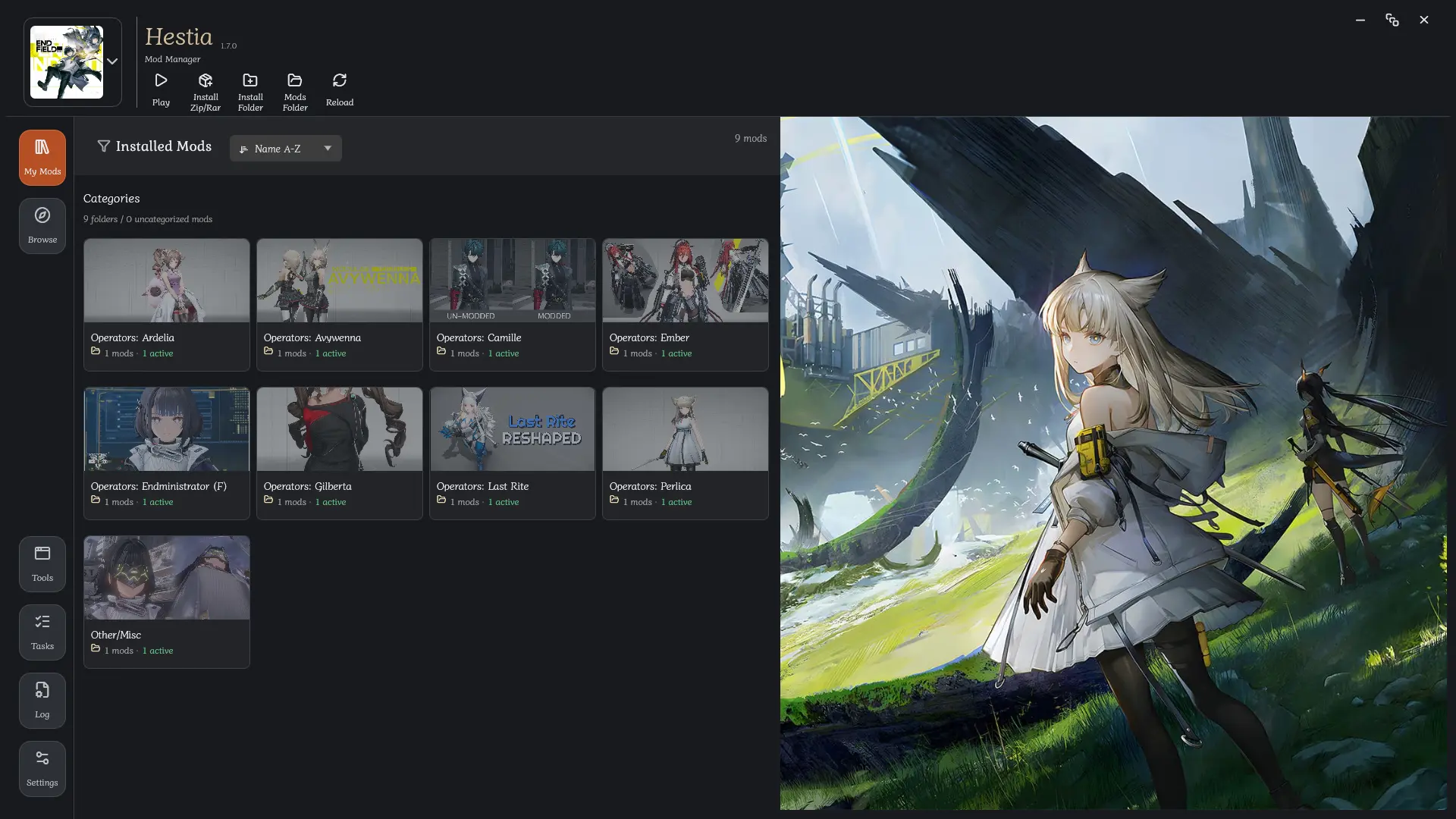
Hestia brings the routine parts of managing mods into one clear interface.
Sort categories, manage mods in bulk, and keep useful details close at hand.
Browse and download mods without switching between Hestia and your browser.

Hestia checks managed mods for new versions and can update them automatically.
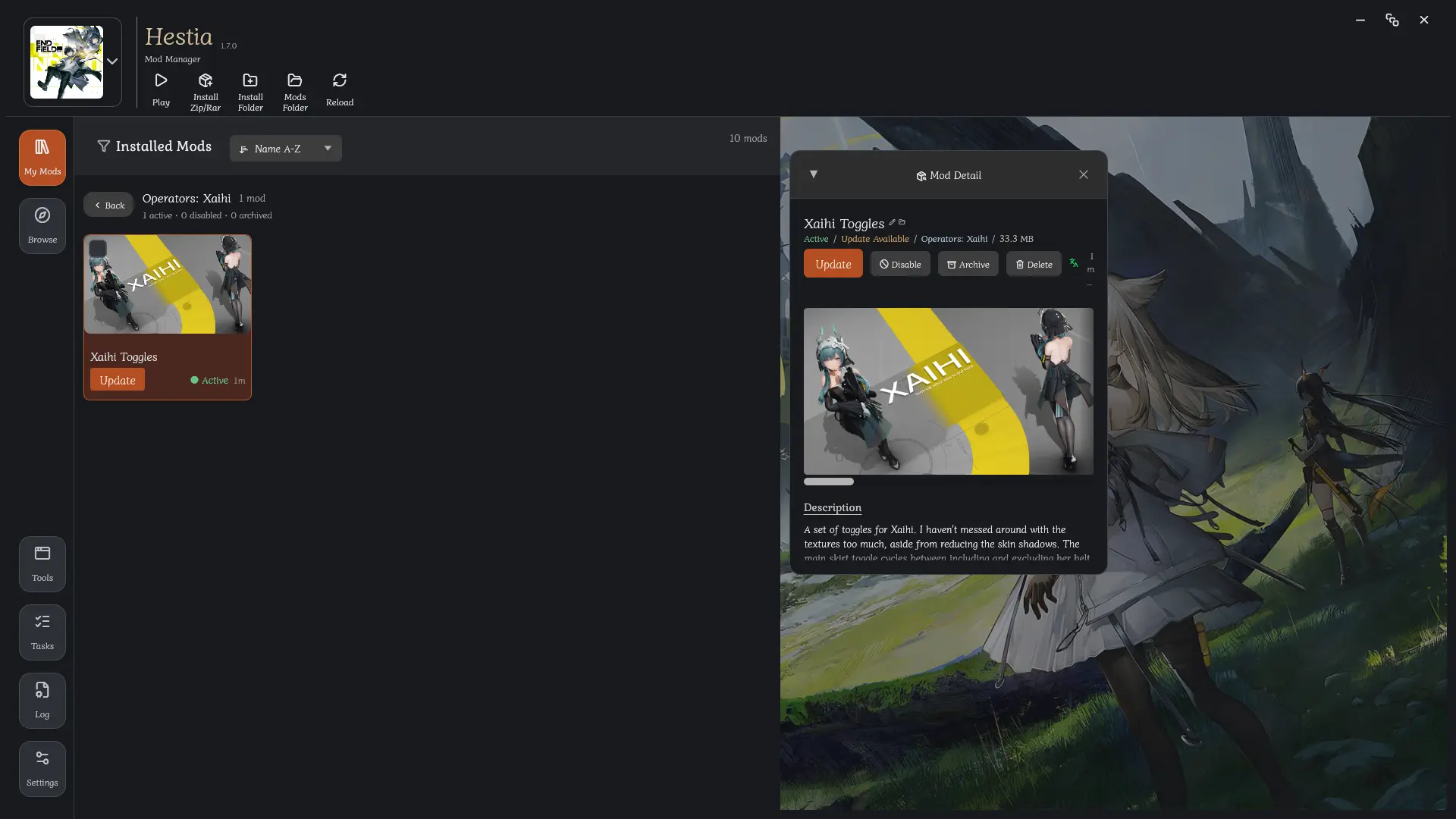 GameBanana browser
Deep GameBanana API integration lets you browse and download mods directly in the app.
Hestia checks managed mods for available updates and updates them automatically while respecting local changes.
Drop in a mod, folder, or batch of archives then track their installation in one place.
Create categories that fit your setup, arrange them freely, and assign them to mods individually or in bulk.
Read mod titles, descriptions, and metadata in your preferred language, automatically or on demand.
Follow downloads and installations as they happen, then cancel, retry, or resume them when needed.
Add custom notes, images, and metadata to any mod. Especially useful for unlinked or private mods.
Hestia finds supported games and mod folders automatically, with a deeper scan available when the usual locations come up empty.
Search, sort, filter, and group your library so the right mod is always easy to reach.
Choose your fonts and library preferences, configure a proxy, and keep frequently used external tools close at hand.







Everything you need to know about Hestia.
Hestia is a Windows mod manager by Henry Nugraha. It helps you organize local mods, browse and download mods through GameBanana, and manage mod libraries for supported games from one app.
Yes. Hestia is free and open-source software licensed under the GNU Affero General Public License v3.0.
Hestia supports Wuthering Waves, Arknights: Endfield, Zenless Zone Zero, Honkai: Star Rail, Genshin Impact, Honkai Impact 3rd, and Neverness to Everness. Support for more games will be added gradually, and you are welcome to request another game.
No. Hestia does not modify files belonging to a mod. It only creates a separate folder inside the mod folder to store its cache and metadata. You can safely ignore this folder.
Yes. Hestia can manage your existing local mods and import new ones from files, folders, archives, or drag and drop. Mods do not need to come from GameBanana to be managed by Hestia.
Hestia automatically checks the usual locations for supported games and their mod folders. If a path is not found, you can run a deeper scan or select it manually.
Your mods remain in place and continue to work without Hestia. Uninstalling or deleting Hestia does not remove, disable, or otherwise change the mods it managed, including the Hestia cache and metadata folders stored inside them.
Hestia is available in English, Bahasa Indonesia, Simplified Chinese, and Russian. It can also translate mod titles, descriptions, and metadata in the app.
No. You can manage local mods and browse public GameBanana content without an account.
Antivirus software may flag Hestia’s installer or self-update process, particularly when an update replaces the existing executable with a newly downloaded version. Hestia is open source, so you can inspect the code on GitHub and build it yourself if you prefer.
Using game mods always carries some risk. Hestia does not interact directly with game services. It manages files, metadata, downloads, and related tools around your local mod setup. App update manifests are cryptographically verified before an update is accepted, helping protect the integrity of the update process.
Hestia does not collect your local activity or download history. Those records remain on your computer unless you choose to share them. The optional feedback survey sends a response only when you submit it, and you can review the payload before sending.
Not officially. Windows is currently the only supported platform. Some cross-platform compatibility work exists, but behavior on Linux and macOS is not guaranteed.